
- Maker:-Honda
- Modal:-CR-V
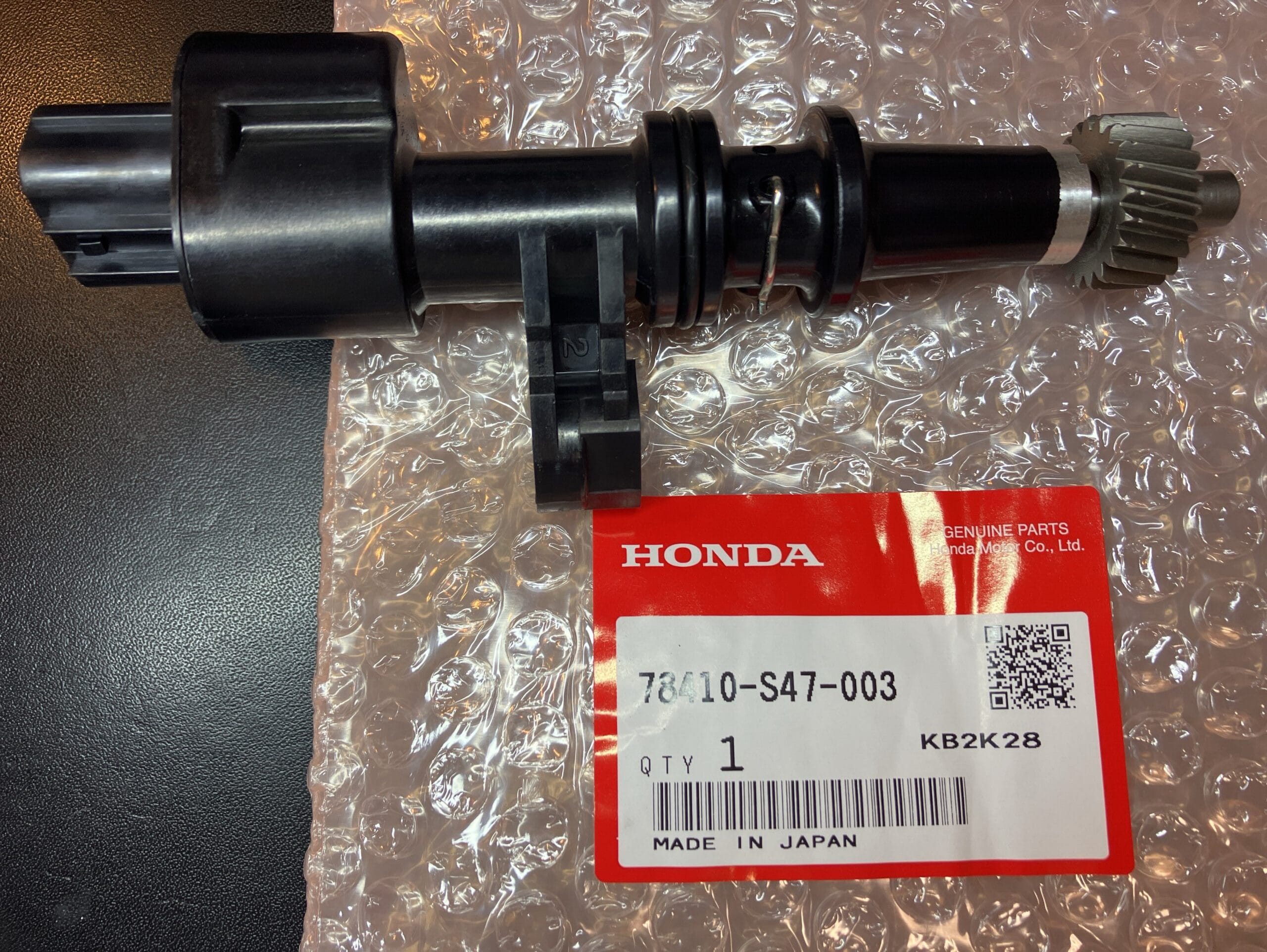
- Part Number:-78410-S47-003

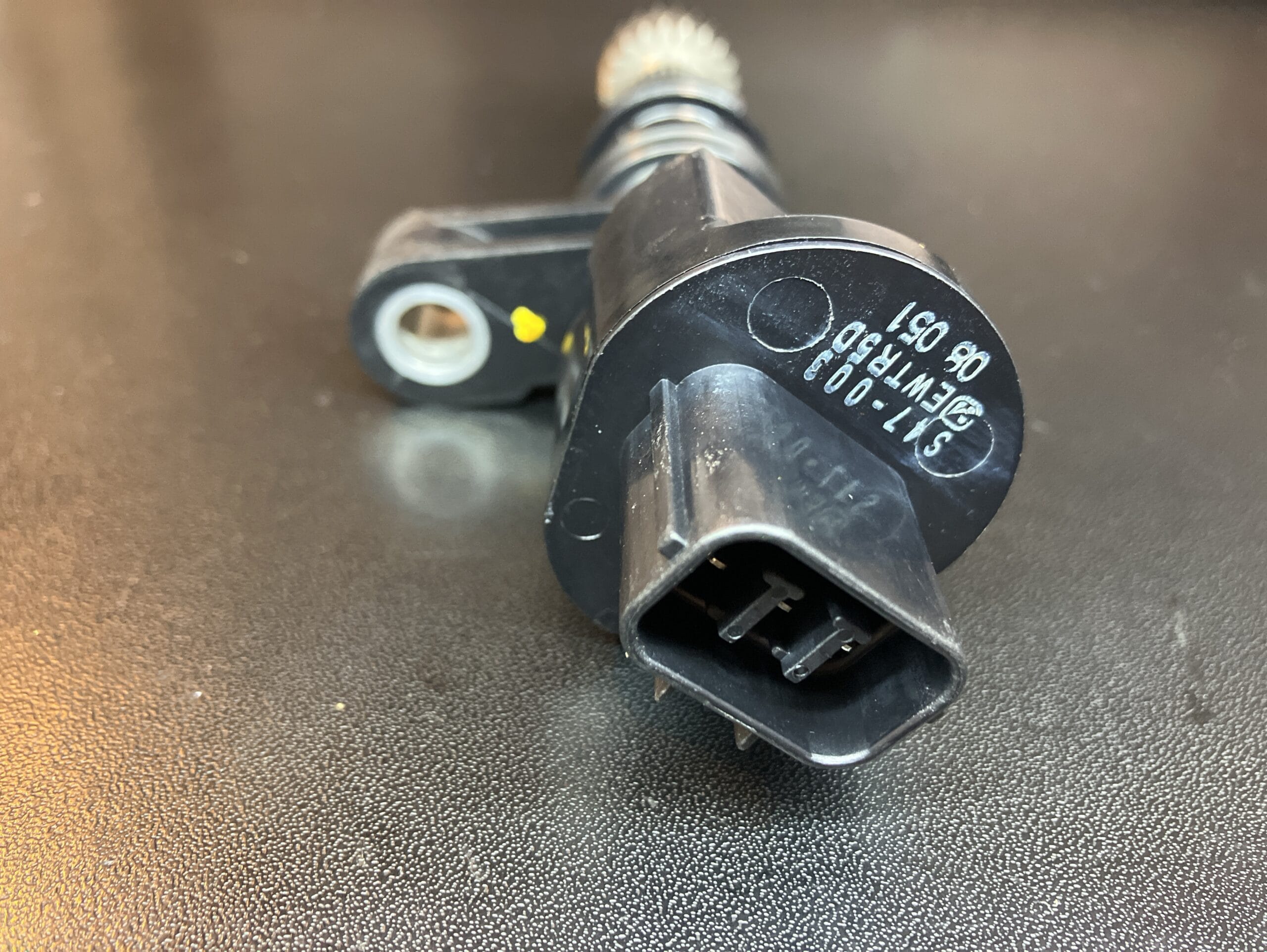
Honda CR-V Speed Sensor 78410-S47-003
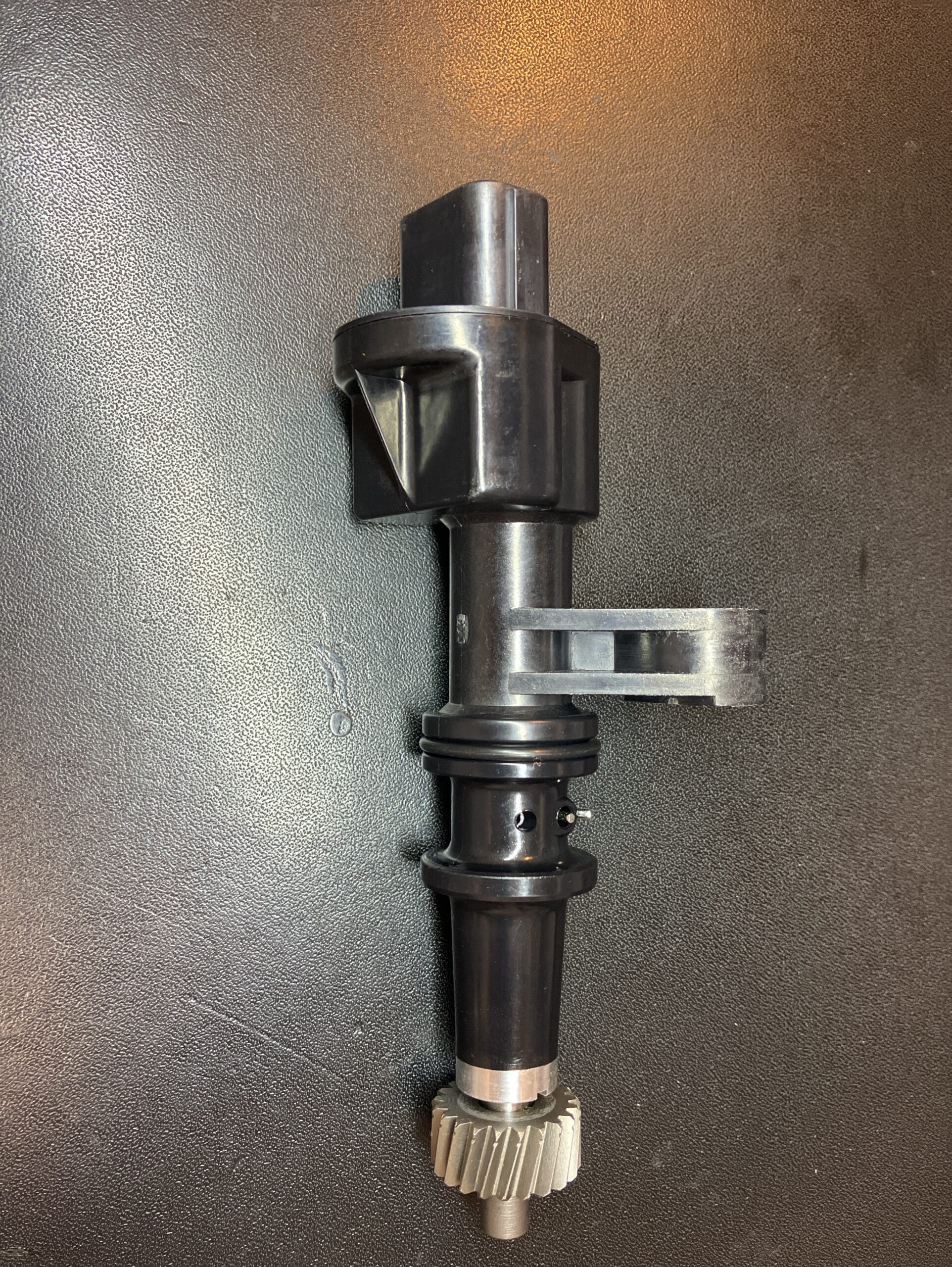
Preparation for Honda CR-V Speed Sensor 78410-S47-003: Park the vehicle on a flat, stable surface and engage the parking brake. Disconnect the negative terminal of the battery to ensure safety. Gather all necessary tools, including a socket set, wrenches, and screwdrivers.

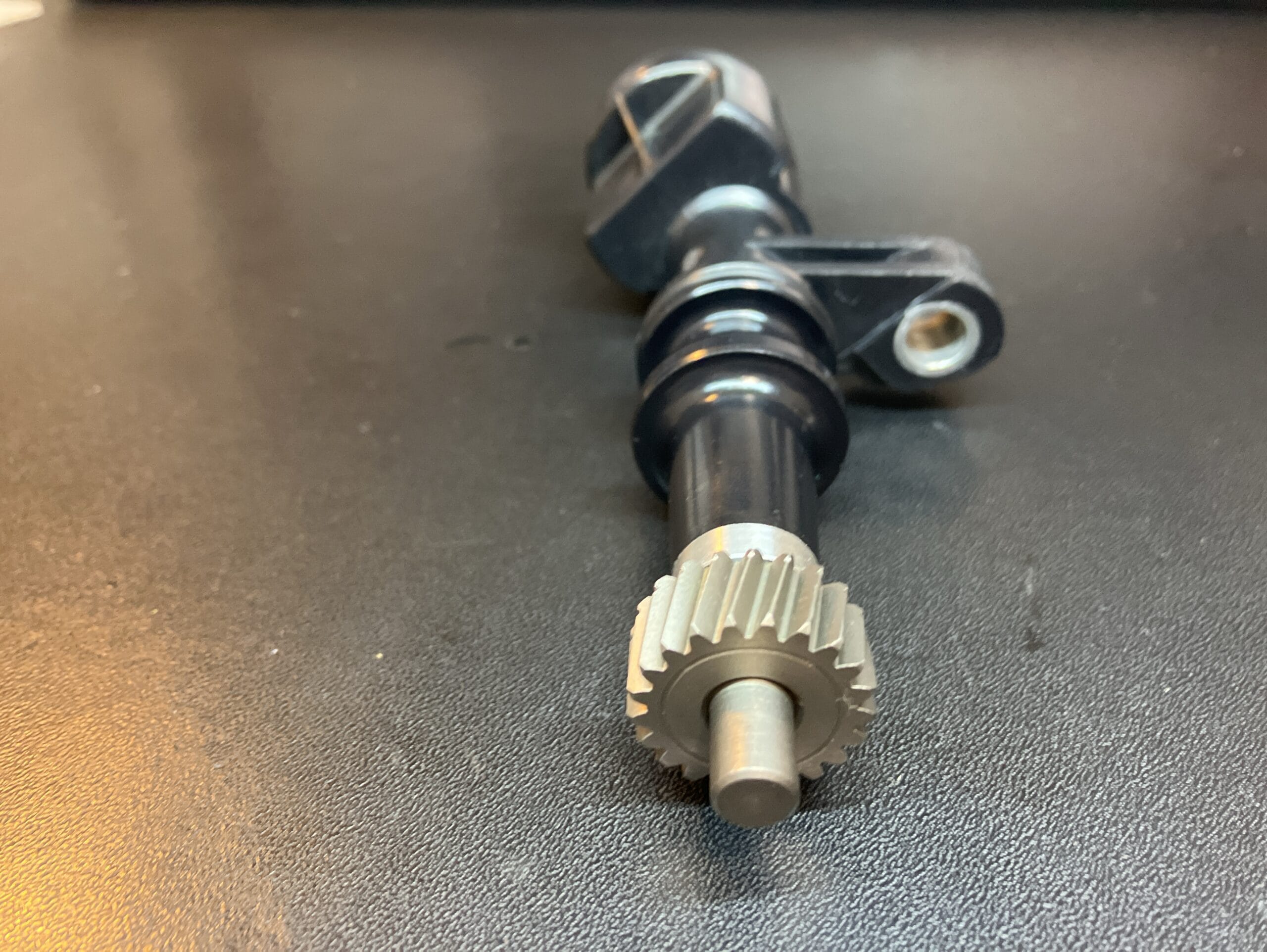
Locate the Speed Sensor: The speed sensor is typically located on the transmission. Refer to your vehicle’s service manual to find the exact location of the speed sensor on your specific model year.

Access the Speed Sensor: Depending on the model year, you may need to remove certain components to gain access to the speed sensor. This could include parts of the air intake system or other obstructions. Use your socket set and wrenches as needed.

Disconnect Electrical Connector: Once you have clear access to the speed sensor, disconnect the electrical connector attached to it. Be careful not to damage the connector or wiring.

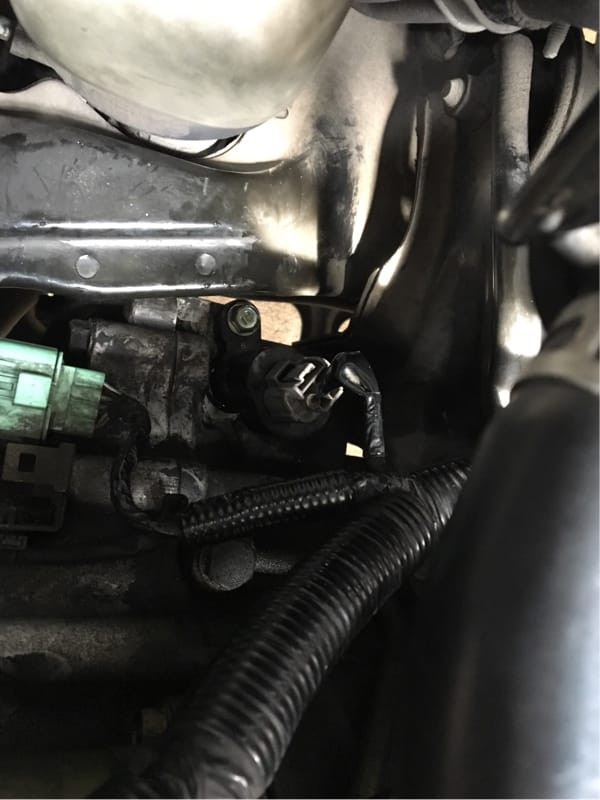
Remove the Old Speed Sensor and Install the New Speed Sensor: Use the appropriate socket or wrench to remove the bolt securing the speed sensor to the transmission. Carefully pull out the old speed sensor from its housing. Insert the new speed sensor (part number 78410-S47-003) into the housing on the transmission. Secure it with the bolt you removed earlier, ensuring it is tightened to the manufacturer’s specifications.

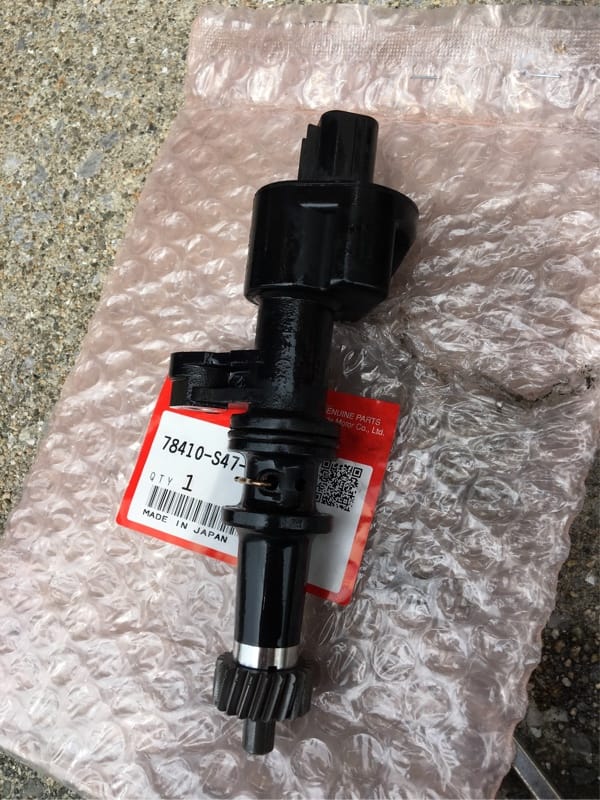
Reconnect and Test: Reconnect the electrical connector to the new speed sensor. Reinstall any components that were removed to access the sensor. Reconnect the negative battery terminal. Start the engine and take the vehicle for a test drive to ensure that the speedometer and other related systems are functioning correctly.
To view more repair guides, click this.